My job
Introduction
- A
myJobis a configurable setting that controls what appears on the My Job page. It allows you to choose which processes are displayed by configuring a list of process definition keys. With this setup, you can decide which publication-related processes are visible in Web-to-Publish (W2P). If no configuration is provided, all processes started by publications will be shown by default.
Prerequisites
At least one publication-related process (such as import, render, or planning creation) must be configured to be tracked in W2P.
Configuration
ISON Configuration Details
Sample ISON Configuration
<myJob>
    <visible>true</visible>
    <processDefKeys>
        <processDefKey>P001_Sample</processDefKey>
    </processDefKeys>
</myJob>
Explanation
<visible>: A flag to configure the show/ hide MyJob page on the UI<processDefKeys>: A container that holds the list of process definition key.<processDefKey>: Represents the process definition key.
How the My job visualize
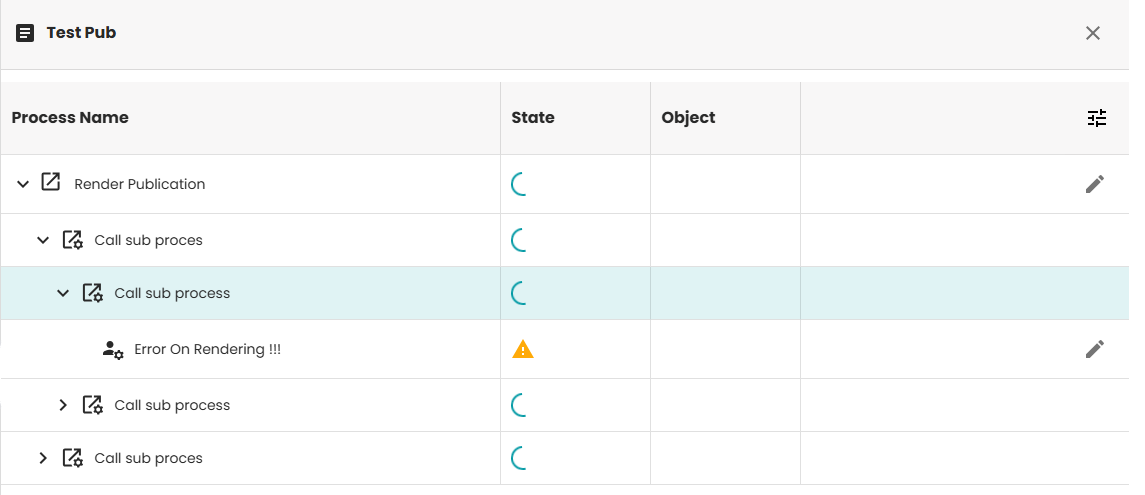
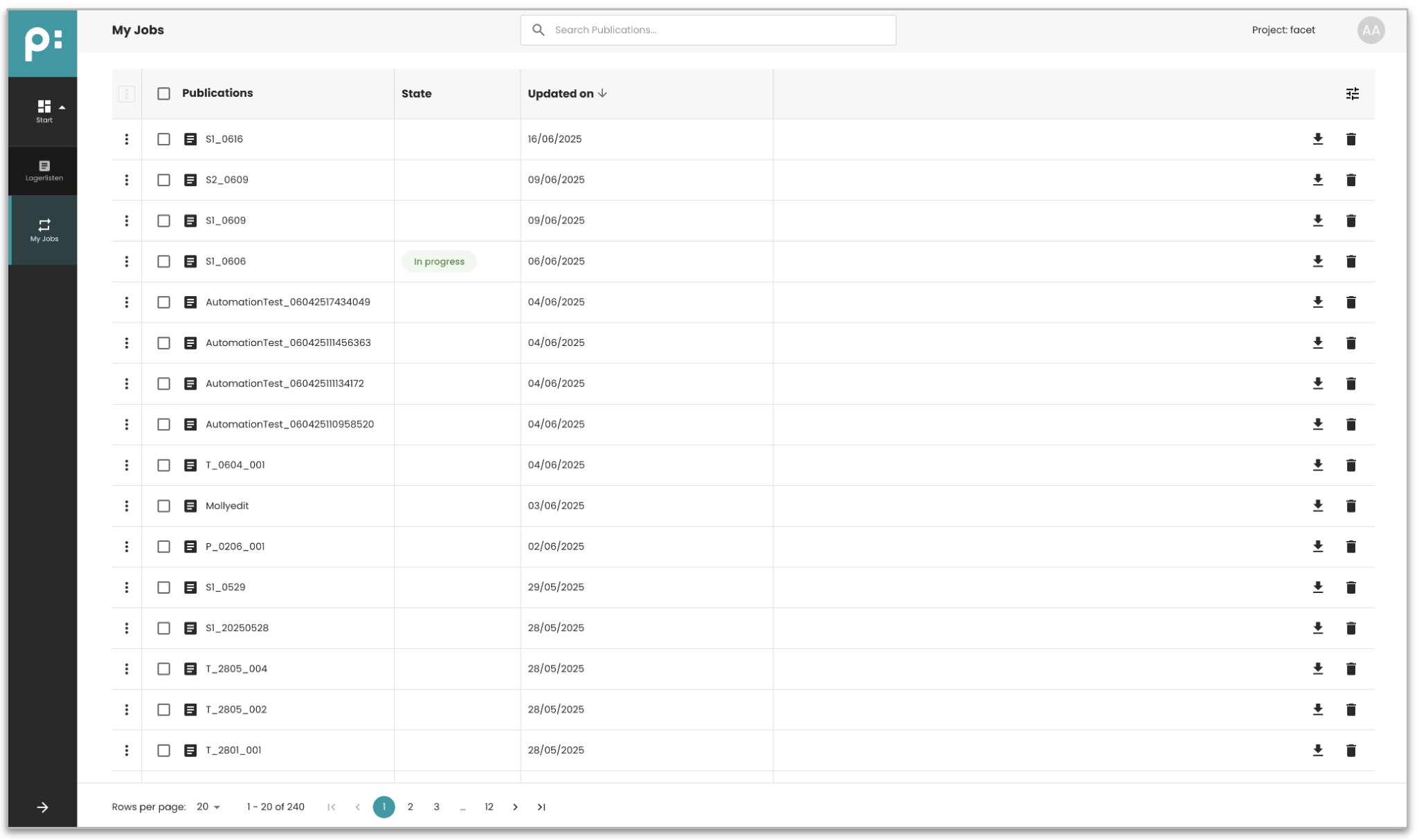 When selecting the publication has status "In progress", the details of tasks will be shown like below: